
Anime Ability Arena Wiki Tools
Track Hits milestones, plan unlock order, and pair checklists with roster pages and beginner guides.
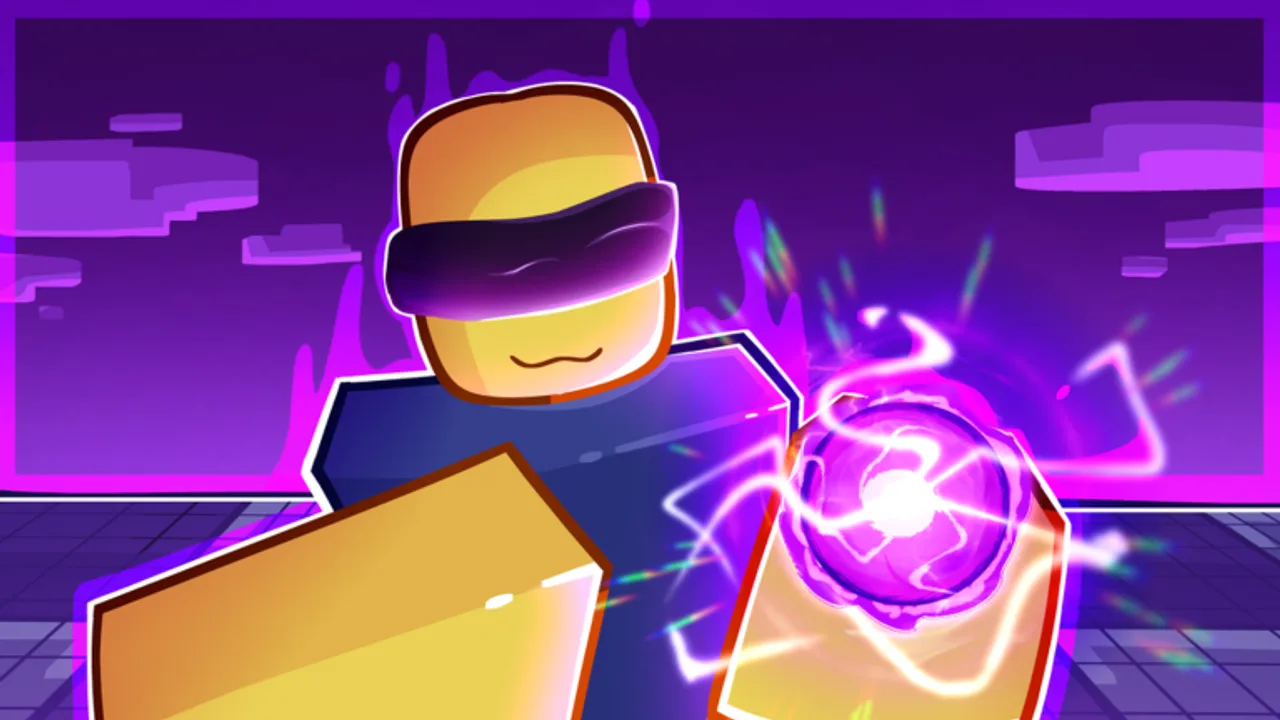
Anime Ability Arena progression lives or dies on Hits — the account-wide stat you earn by dealing damage and finishing opponents in the free-for-all arena. The wiki tools category exists so you can plan that grind without memorizing nineteen unlock thresholds or alt-tabbing to scattered guides mid-match.
This hub collects lightweight, text-first utilities that work on any device Roblox supports: PC, mobile, and console. Nothing here requires downloads or scripts; you mark progress yourself and cross-reference official roster pages when a milestone unlocks a new moveset.
What tools are available
| Tool | Purpose |
|---|---|
| Hits checklist | Markdown table of every free unlock threshold with checkboxes you can track in notes or print |
Future tools — damage-per-minute planners, pass ROI notes, or event calendars — will link from this hub when they are added. For now the checklist is the fastest way to answer “how many Hits until Ninja?” without opening the full Free abilities essay.
Why track Hits outside the game client
The in-game UI shows your total Hits and the next unlock, but long grinds blur together once you pass Lightning and Psychic. A checklist gives you milestones you can celebrate — crossing 1,000 Hits unlocks both Pirate and Beam, for example — and helps squads coordinate if you play with friends who hit different brackets.
Tracking also reduces wasted sessions. If you are 40 Hits away from Archer, you know to pick rapid-hit kits instead of experimenting with a newly unlocked Brawler hammer combo that lands fewer connections per minute.
How Hits are earned (tool assumptions)
All tools on this wiki assume the live rules published on the Roblox experience page:
- Damage dealt to other players increases your Hit total.
- Eliminations add a +5 Hit bonus on top of damage already counted.
- Hits accumulate across sessions; leaving a match does not reset unlock progress.
- Exploiting, alt farming, or cheating can trigger permanent bans — do not build trackers around unfair Hit inflation.
If Banjomeni adjusts Hit gain rates or adds a Double Hits game pass bonus, update your personal notes and re-read the Latest update page for policy changes.
Pair tools with guides and roster pages
Tools tell you where you are; guides tell you how to get there faster. Start with Getting Started if you are new to Ability Arena controls and lobby flow. When you unlock a kit, read its move summary on Free abilities or Premium abilities before investing practice time.
The Abilities Hub remains the canonical roster index. The tier list helps you decide which unlocked kits deserve ranked practice once your checklist nears Shadow or Vampire territory.
Console and mobile tracking tips
Console players can screenshot their Hit total after each session and mark the checklist on a phone browser. Mobile players can keep this wiki open in a split view if their device supports it; otherwise copy unchecked rows into notes once per day.
Because Ability Arena supports Xbox and PlayStation alongside PC and tablet, these tools intentionally avoid keyboard-only widgets. Everything is plain markdown you can read with a controller-friendly browser.
Honest limits of fan-made tools
This wiki is not affiliated with Banjomeni or Roblox. Checklists mirror community-documented thresholds and may lag a same-day patch until we verify changes on the official game page. For authoritative economy or ban policy wording, use the Official links page and Roblox notifications directly.
When in doubt, trust the in-game unlock popup over a third-party table — then file a correction through community channels if our page is stale.
Related pages
- Hits checklist — start tracking unlocks now
- Abilities Hub — full moveset reference
- Updates Hub — patch notes and launch milestones
- Links Hub — Roblox game URL and developer group
Frequently Asked Questions
Quick answers for Anime Ability Arena on Roblox.
Do these tools connect to my Roblox account?
No. Wiki tools are read-only planners. You manually mark milestones based on the Hit total shown in Ability Arena.
Which tool should I use first?
Open the Hits checklist if you are grinding free unlocks. It lists every threshold in order with tips linking back to guides and roster pages.
Will a Double Hits pass break the checklist?
The checklist tracks unlock thresholds, not time played. A Double Hits pass simply reaches each milestone faster; the Hit numbers themselves stay the same.
Can I suggest a new tool?
Yes. Useful additions include patch-day diff tables or pass comparison sheets. For now this hub focuses on Hits milestone tracking.